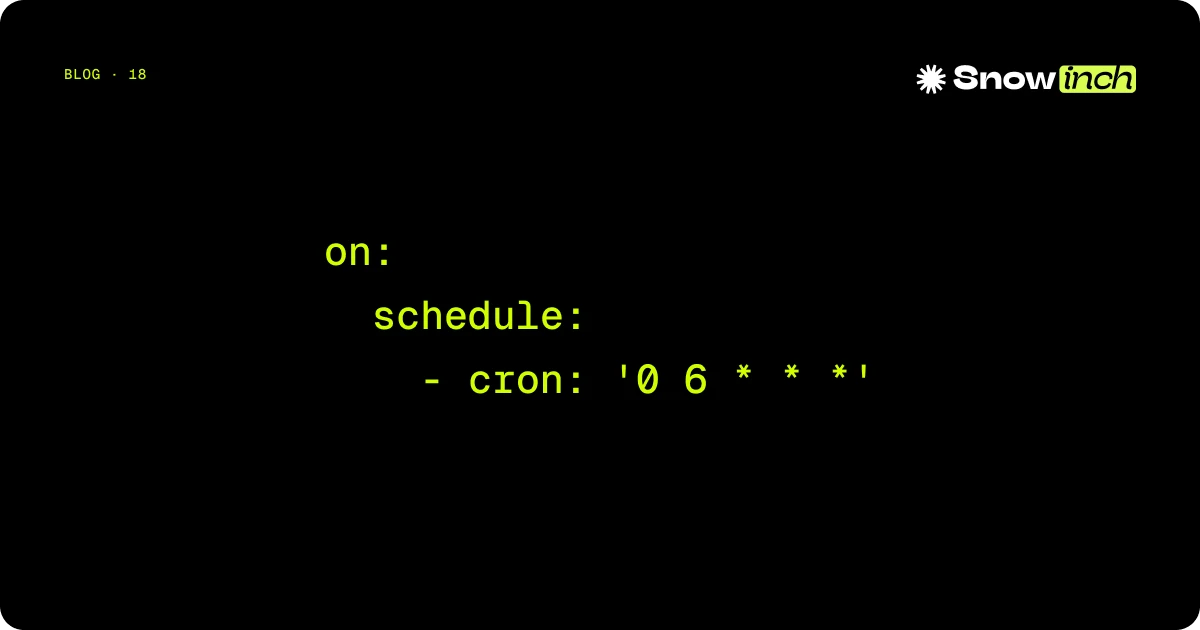
Problem you solve: your app runs on Vercel / Netlify / Cloudflare and you need periodic work (reports, sync, reminders) without a 24/7 VPS and without jumping straight to AWS EventBridge.
What you ship in ~20 minutes: a GitHub Actions workflow on schedule that POSTs to your endpoint with a shared secret.
How you know it works: the Actions tab shows green runs and your server logs show the authenticated request.
The “scheduled webhook” pattern
- GitHub runs the workflow at the configured time (
cronis UTC — see Events that trigger workflows). - One step runs
curl(or a small Node script) againsthttps://your-app.example/api/cron/.... - The app verifies a header such as
Authorization: Bearer …againstCRON_SECRETin env. - The handler runs the logic (DB, email, …) and returns
200.
Business logic stays in the app; Actions is only an alarm clock — good enough for many internal use cases.
Minimal workflow (YAML)
Save as .github/workflows/cron-daily.yml (adjust URL and secret names):
name: daily-cron-webhook
on:
  schedule:
    - cron: '0 9 * * *' # daily 09:00 UTC — check timezone vs business hours
  workflow_dispatch: # allows manual runs from the UI

jobs:
  call-app:
    runs-on: ubuntu-latest
    steps:
      - name: POST /api/cron/daily
        run: |
          curl -fsS -X POST "${{ secrets.APP_CRON_URL }}" \
            -H "Authorization: Bearer ${{ secrets.CRON_SECRET }}" \
            -H "Content-Type: application/json" \
            -d '{}'
APP_CRON_URL: e.g.https://www.example.com/api/cron/dailyCRON_SECRET: long random string; same value in production env on the app.
Security: do not log the secret; rotate if leaked; keep handlers idempotent when possible.
Real limits (do not ignore)
- Jitter / delay:
scheduleis not real-time; GitHub documents that runs can slip under load. Do not use this for trading, auctions, or sub-second payment windows. - Actions minutes: free tiers have a monthly minute budget — multiply job duration × frequency. A 5-minute job every hour burns through free minutes fast.
- Hosting timeout: the POST must finish inside your function limit (e.g. 10s on Vercel Hobby). For long work: enqueue internally (DB/queue) and return
202quickly. - Public repos: YAML is visible; secrets are not — still never put bearer tokens in plain YAML.
When the pattern is not enough
- Queue + worker (BullMQ, Cloud Tasks, SQS): long jobs, fine-grained retries.
- Provider cron (Vercel Cron, Cloudflare Triggers): fewer moving parts if your plan already includes it.
- VPS + systemd timer: full control of the clock, fixed monthly cost.
Disclosure: @snowinch/githubcron
Snowinch maintains the open-source package @snowinch/githubcron, which generates workflows and typed handlers (e.g. Next.js App Router integration) on top of the same pattern. It is optional: manual YAML is already production-ready if you want zero dependencies.
Library sketch (after pnpm add @snowinch/githubcron):
import { ServerlessCron } from '@snowinch/githubcron'

export const cron = new ServerlessCron({
  secret: process.env.GITHUBCRON_SECRET,
  baseUrl: process.env.NEXT_PUBLIC_APP_URL,
})

cron.job('send-daily-emails', {
  schedule: '0 9 * * *',
  handler: async () => {
    const result = await sendDailyEmails()
    return { sent: result.length }
  },
})

// app/api/cron/[job]/route.ts — Next.js App Router
export const POST = cron.nextjs.appRouter()
Then npx githubcron generate to materialise workflow files under .github/workflows/.
Summary
- Implement POST + secret in the app.
- Add an
on.scheduleworkflow withcurl. - Validate with
workflow_dispatchbefore relying on cron alone. - Consider
@snowinch/githubcrononly if you want to generate that boilerplate across projects.
You do not need invented “€X/year savings”: the operational test is whether the job runs observably and within GitHub + host limits.